


Many brides hope to get their wedding moments viral on social media. Fortunately, you don’t need an A-list celebrity guest list or an extravagant venue to get likes and online engagement.
Here are nine tips for creating double-tap-worthy content.
1. Create a Wedding Hashtag
Your hashtag lets you filter the photos and videos uploaded from your big day. Start playing with your and your partner’s names, wedding date, nicknames, theme or something trendy. Use a wedding hashtag generator to kick-start your brainstorming session, but avoid relying on it. Once you have the hashtag, test it on social media to ensure you’re the first one to use it.
Put your hashtag on your invitation and wedding website. You can also share any photography rules here. For instance, you can remind attendees to turn off phone flashes to avoid harsh lighting on your professional photos.
2. Craft Heartfelt Vows
Your vows are the highlight of your ceremony. A good vow must include a brief recap of your love story, traits that you admire about your future spouse, what you appreciate about your relationship and three to six promises to fulfill as a loyal partner. Make it heartfelt, concise and shareable to make it viral-worthy.
Ensure that you include memorable lines that are powerful enough to be quoted. If you and your partner are passionate about a particular movie, game, music or meme, tastefully integrate it into your speech to make it uniquely memorable.
3. Incorporate Visual Storytelling
Every wedding venue has its hidden gems for photos and videos. Knowing these spots before your big day will help you plan for iconic shots. Tour the venue and look at it from a photographer’s and social media user’s perspective. Assess special, intriguing details like a grand staircase, a tree house or a secret garden.
Consider creating videos featuring your favorite details, like your gown or reception venue. If you still don’t have anything in mind, get inspired by wedding trends, including mix-and-match floral bridesmaid dresses, flower cakes and whimsical decor.
4. Edit Your Privacy Settings
The last thing you want to happen after your wedding is to see unflattering photos of you on your newsfeed. Enable “tag review” on all platforms to approve or reject tags before they become public on your profile. While you can’t control what everyone posts, you can control your visibility if they tag you.
Remember, your actions influence what your loved ones share online. If you always post quality content, it will set a good standard for your guests. When uploading pre-wedding photos, make sure they’re of high quality.
5. Think About Lighting
Every photographer and videographer needs good lighting. If possible, schedule your ceremony and outdoor photos during the golden hour, which refers to the hour after sunrise and before sunset, when the light is soft and warm, making it the ideal backdrop for your shots.
Discuss with your photographer and videographer your lighting preferences, especially for indoor celebrations. Talk to your lighting vendors or wedding coordinator about using artificial lighting and props like sparklers to make your photos and videos pop.
6. Partner With a Social Media-Savvy Content Creator
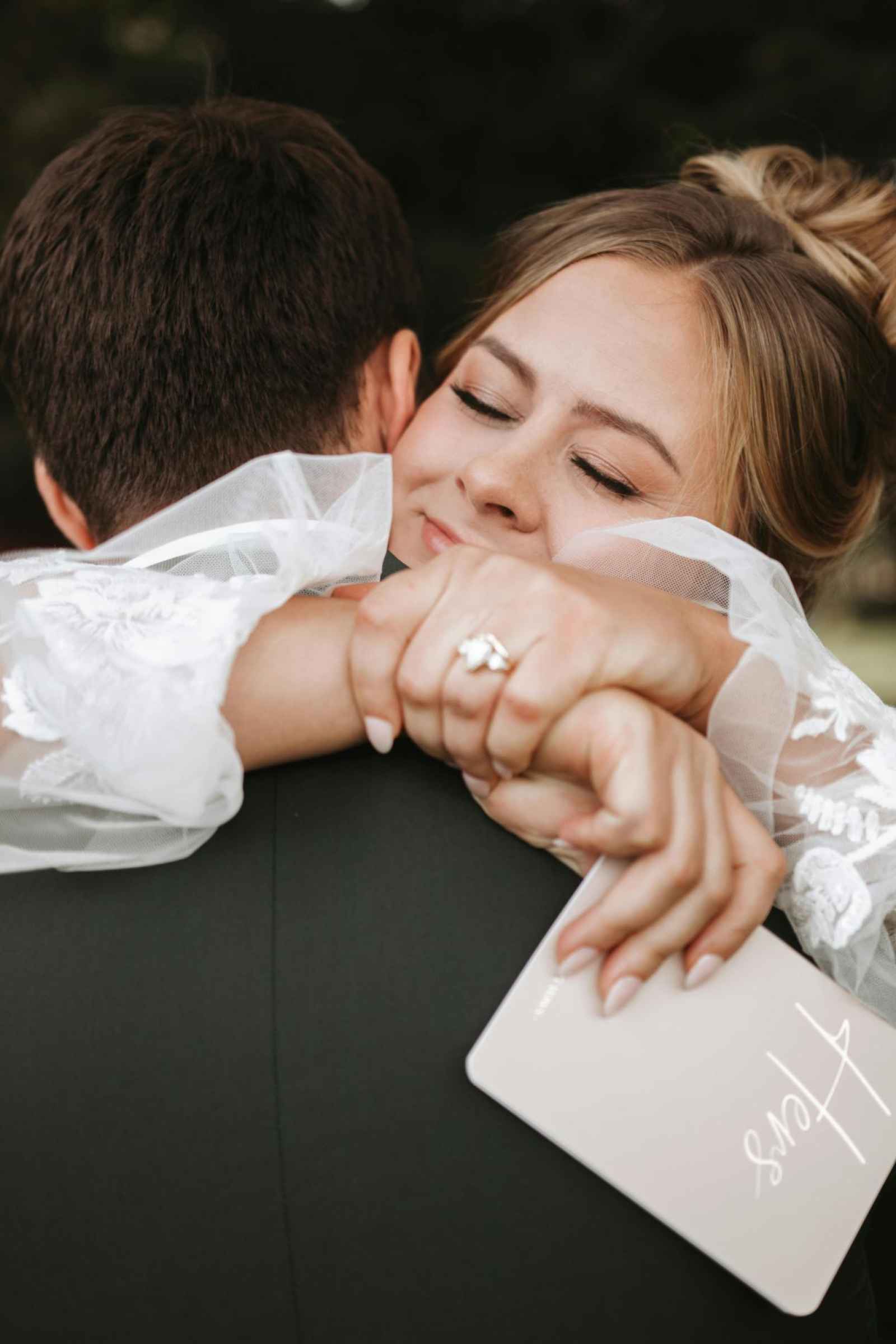
If you want your vows and fun moments to hit your feeds while the excitement is still fresh, consider partnering with a content creator. It can be your social media-savvy cousin or a professional. Many individuals now offer packages that include ready-to-share photos and videos delivered within 24 hours of your wedding, allowing you to relive and share highlights instantly.
Work with someone trustworthy and creative enough to capture candid moments while you’re busy enjoying your day. Communicate your vision and preferences to ensure your wedding memories are preserved beautifully.
7. Hop on TikTok Trends
Participating in trends is a fun way to make waves online. Follow influencers in the wedding niche to get firsthand knowledge of the hottest trends before they become mainstream. You can also use TikTok’s “Discover” feature to get inspired by what’s popular on the platform.
“Makeover” videos are fairly common. You can show your transformation from your bridal robe into a gown. You can also do something different to stand out. Some fun ideas include a first look with your furry friend, a surprise flash mob or a chaotic bouquet toss moment.
8. Create a Shot List
Wedding photographers and videographers already have a shot list. However, you may want to list everything you’ll need for your short videos or vlogs. Some shots you can’t miss include the groom waiting at the altar, the bride walking down the aisle, vows, the first kiss, the first dance and the cake-cutting ceremony.
Request unique establishing shots, such as the bridal party having fun before the ceremony, the groomsmen getting ready, or your furry friend delivering the rings to the altar. Think about the moments that’ll get your followers hooked.
9. Plan for Drone Shots
Nothing beats a drone for capturing cinematic, grand-scale shots. Drone photography is a must-have, especially if your venue is set in a beautiful landscape. These devices can capture the scene-setting moments, like the sunset over the mountains or an aerial view of your tablescapes.
Familiarize yourself with local drone regulations before hiring a drone photographer. Many locations have no-fly zones, while others only have a specific height limit. Coordinate with your wedding organizer about your concerns.
Be Present and Enjoy the Moment
While you’ll want to capture and share every beautiful moment, remember to truly live in the present. Your big day is a momentous occasion, so mingle with your loved ones, soak in the love and celebrate your marriage.

Author Bio: Oscar Collins is the editor-in-chief at Modded, where he writes about a broad spectrum of topics. Follow him on Twitter @TModded for frequent updates on his work.
are you a bride or groom-to-be?
We'd love to plan with you on weddingday-online.com. Let's get started!
are you a wedding extraordinaire?
Join WeddingDay Magazine in inspiring brides by partnering with us! See how here.




A Summer Citrus Wedding
Allyson Hutchison | October 7, 2026
An Autumn Disco Wedding
Allyson Hutchison | September 9, 2026
Garden Whimsy Wedding
Kaitlyn Smale | February 20, 2026
Brooke & DJ Fitzpatrick
WeddingDay | March 3, 2015
Emily & Niel
WeddingDay | March 3, 2015
Join the conversation
Log in or register to post comments